Stop the "wait, who has the truck?" conversation.
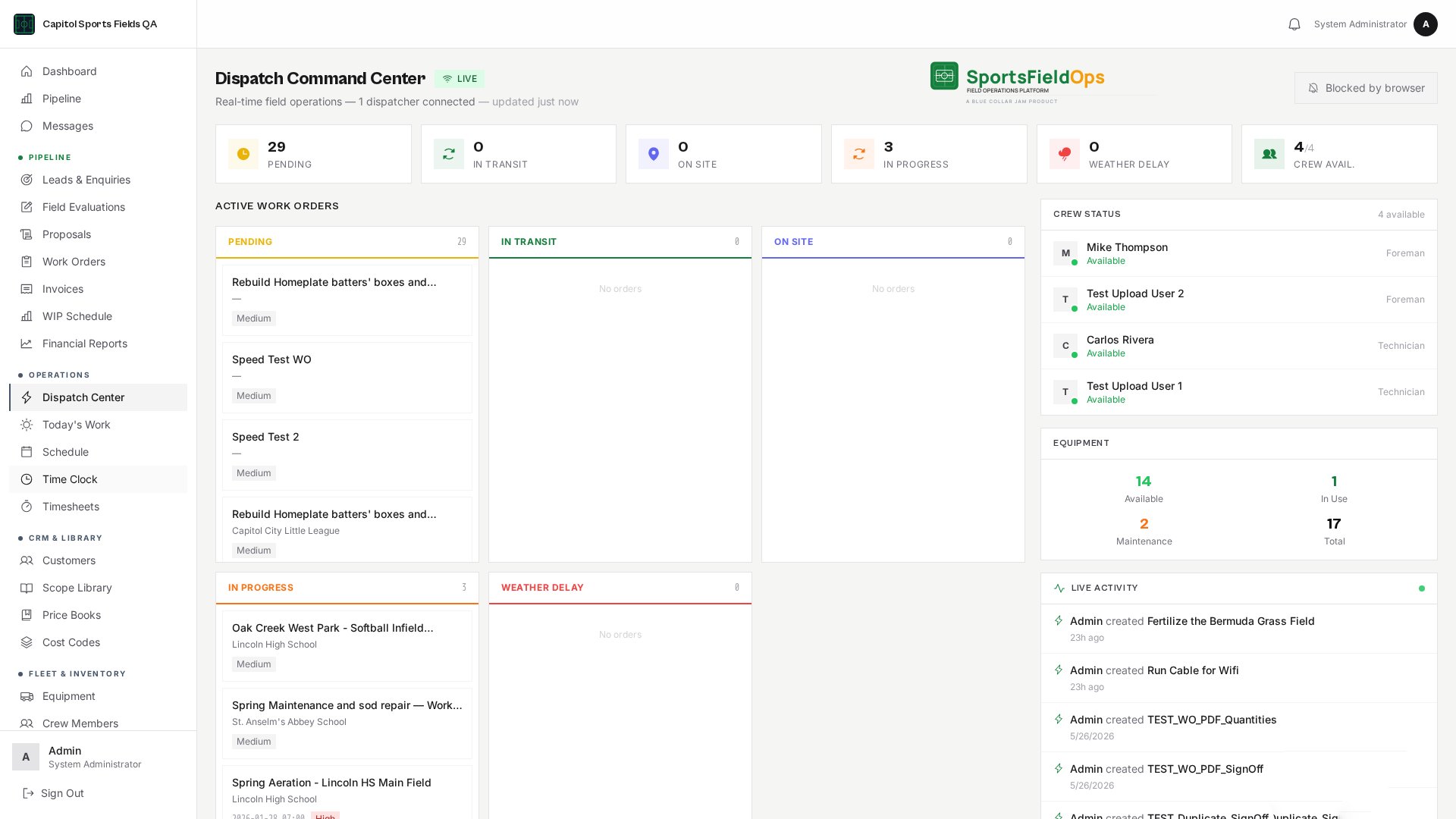
Plan the month on the Schedule: drag and drop crews and equipment onto the calendar, and the system blocks double-bookings before they happen. Recurring maintenance visits generate themselves on the cadence you set. The Dispatch Board is a separate live status view of who is where, right now, with an optional Crew GPS map for teams that opt in. Everything shares the same data as the crew directory, equipment fleet, and maintenance schedule.
Month-grid Schedule
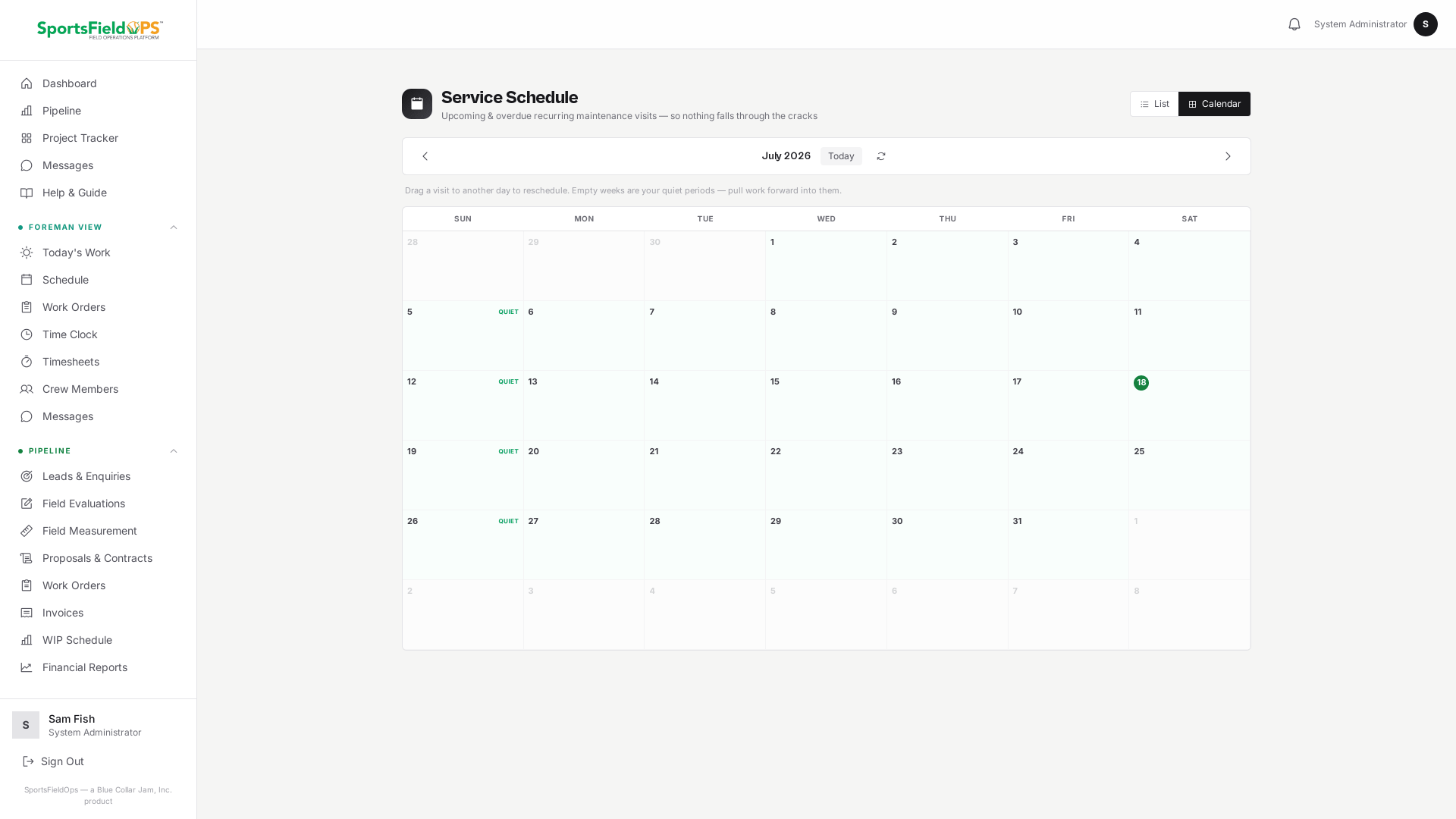
Drag and drop crews and equipment onto the monthly calendar. Double-bookings are blocked before they happen, so you find conflicts while you are planning, not on the morning of the job. Reschedules update in real time across the team.
Recurring maintenance
For contract accounts, set the cadence once, weekly mow, monthly aerification, quarterly test, and the visits generate themselves. Pause, edit, or cancel a series without touching the individual visits.
Pre-visit prep checklist
Every scheduled job carries a pre-visit checklist so materials, equipment, and site notes are confirmed before the truck leaves the yard. Nothing gets forgotten on the way to site.
Dispatch Board
A live, color-coded status view of every crew and asset, right now. Installs as a Progressive Web App on iPhone and Android, so every team member has it as a full-screen app.
Crew GPS Dispatch Map
Four opt-in modes, off, site check-in, trip, or live. Every crew member controls their own setting. See /features/crew-tracking for the full breakdown.
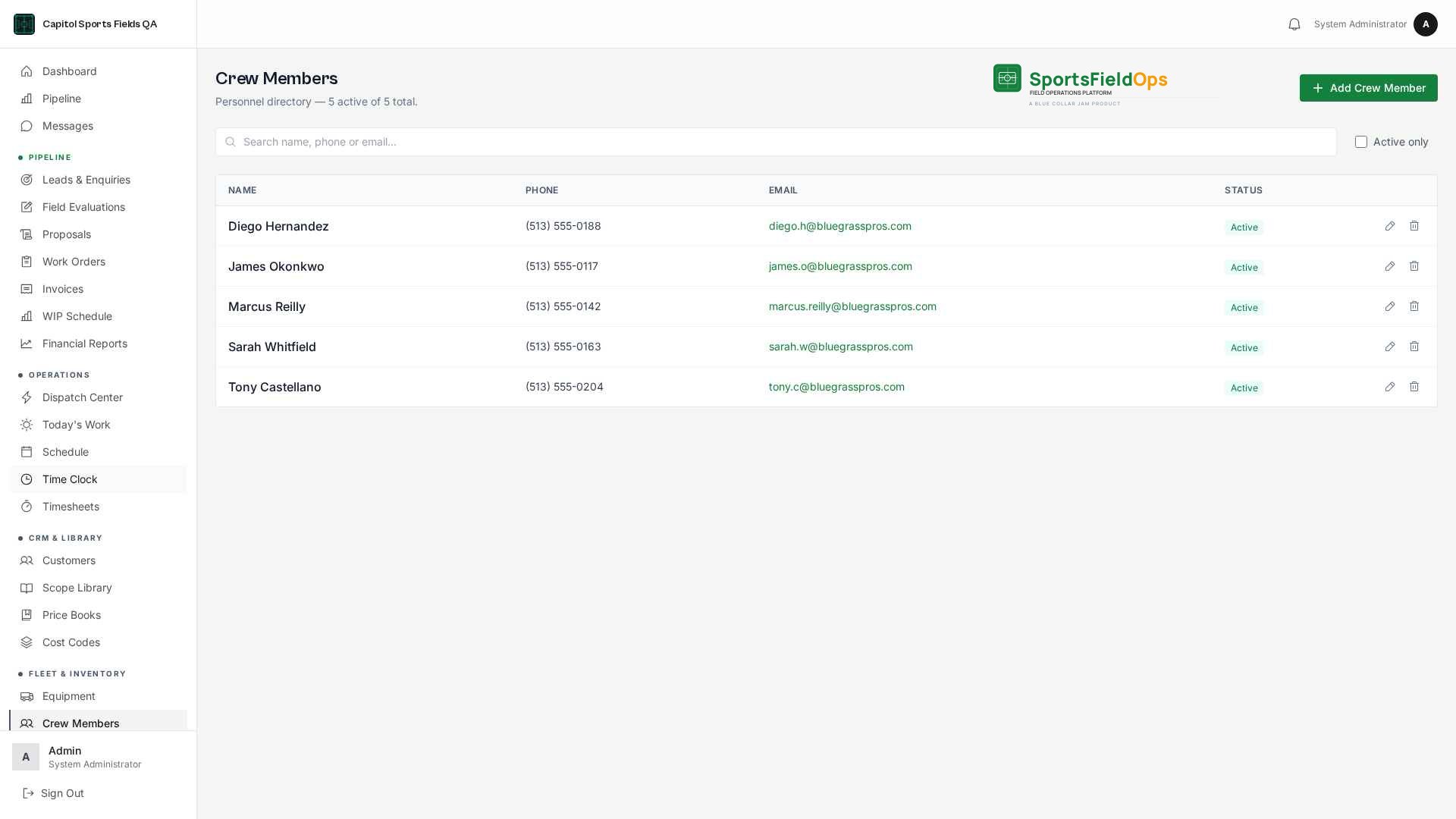
Crew Members
A personnel directory, separate from logins. Add anyone, no account required. Assign from the work order detail screen.
Equipment & Fleet
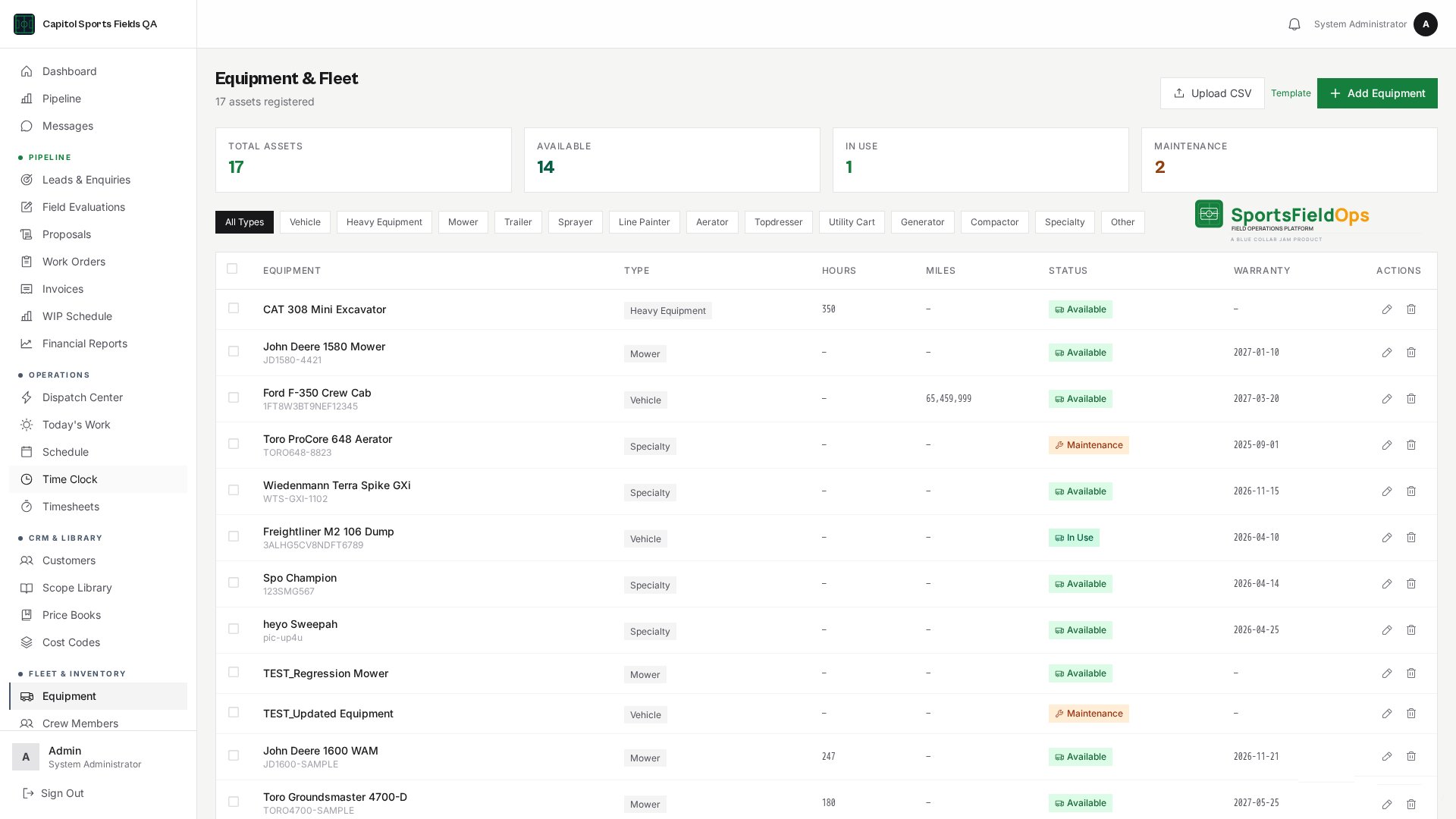
Registry with VINs, serial numbers, and hour tracking. Internal hourly rates. Preventive maintenance scheduling, by calendar and by hours. Daily equipment logs for fuel, fluids, and damage.
Team messaging
Keep job talk out of personal text threads. SportsFieldOps has built-in messaging, so the conversation lives right next to the work it is about.
Direct and group conversations between office staff and field crews.
Messages arrive in real time, with unread counts so nothing gets missed.
Notifications make sure a message reaches the right person even when they are not on that screen.
One place for job talk, instead of three group texts, a notebook, and a voicemail.
Reminders that keep work moving
The system watches the work and nudges the right person at the right time, so tasks do not slip through the cracks.
Automatic reminders for the moments that matter: a signed contract to schedule, a completed job to invoice, a proposal sent but not yet viewed, a job past its finish date, equipment down, and maintenance coming due.
Three delivery channels, in-app bell, email, and text message, each one configurable.
Routed by role, so the office sees the billing nudges and the shop sees the equipment alerts.
Self-clearing: a reminder disappears the moment its task is done, so the list always reflects real work.
An optional daily digest gives managers one clean summary each morning.
Ready to see it on your own fields?
Invite-only onboarding. Guided setup, data migration, and crew training included.
Invite-only onboarding, we work with a select number of companies so every setup gets proper attention.